Recording...
Spin Results
Six hex digits, one click, infinite possibility. The hex color spinner is roulette for designers — press SPIN, grab the code, and ship the swatch.
Paste your list below, one item per line
Add your options, spin, and share the winner in seconds.
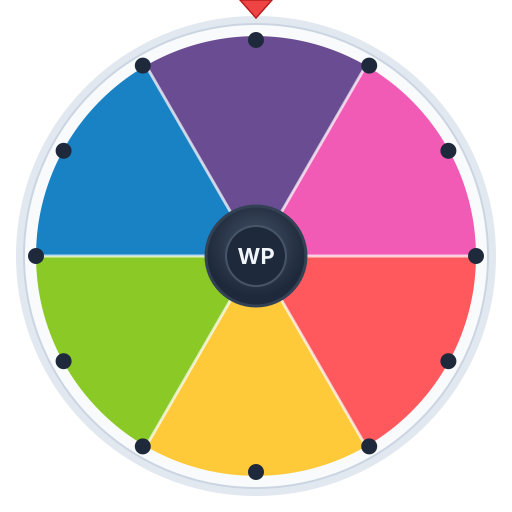
The Hex Color Spinner is a roulette-style randomizer for six-digit hex codes. Every spin lands on a uniformly drawn color from across the full RGB gamut, and the result is displayed as a swatch with the hex, RGB, and HSL values listed underneath. You can copy the hex with one click, pin colors to a working palette, and export when you’re done.
It’s built for designers and developers who want to break out of the same five-color reach. Most of us default to a personal palette of safe colors — usually some variant of indigo, slate, and emerald — without realizing how narrow that range is. A random spinner forces you to evaluate hexes you’d never reach for, and a surprising number of them turn out to be exactly the right pick.
A hex color is six hexadecimal digits, each representing a value from 0 to 15. The digits pair up into three bytes: the first pair is the red channel, the second is green, the third is blue. So #FF0000 is full red, zero green, zero blue — bright red. #00FF00 is bright green. #808080 is medium gray because each channel is at the midpoint (128 in decimal).
The reason hex won over decimal is compactness. A pure RGB triplet like rgb(255, 64, 192) takes 18 characters; the hex equivalent #FF40C0 takes seven. In stylesheets that ship millions of times a day, those bytes add up — and once you’ve read hex daily for a while, it becomes faster to scan visually too.
The spinner outputs every result in hex by default because it’s the most common format in modern CSS, design tools, and brand documentation.
One spin gives you a starting color. Pinning four or five spins gives you a palette — provided you curate as you go. The most useful workflow is to spin freely until something catches your eye, pin it as your accent, then constrain the spinner to analogous or complementary hues for supporting colors.
This works because brand palettes rarely need to be invented from scratch. They need a hero color and a logical set of neighbors. The spinner is great at surfacing hero candidates; the constraint sliders are great at filling in the rest.
If you’d rather generate a full palette in one spin instead of building it color by color, switch over to our random palette spinner, which outputs five harmonized colors per pull.
Spinning past these defaults is the whole point of the tool — if your project looks like every other dashboard, the spinner is the fastest cure.